Amazon product image requirements for clothing: a practical checklist
Amazon product image requirements for clothing come down to one strict image and several flexible ones. The main image must show only the item you sell, on a pure white background, filling most of the frame, with no text, logos added on top, props or visible mannequins; for adult clothing it can be on a standing model or laid flat. The other image slots are where you show fit, detail, colour and lifestyle. Get the main image wrong and the listing can be suppressed. Get the secondary images right and shoppers can actually judge the garment.
This guide explains each rule in plain language for small fashion and accessories brands, and ends with a checklist. Amazon updates its rules and they differ by category and country, so always confirm the current style guide in your Seller Central account before you upload. AgentSell is an independent studio and is not affiliated with Amazon.
The main image rules
The main image is the one shoppers see in search results, so Amazon keeps it consistent across every listing. For clothing, plan on:
- Pure white background, RGB 255, 255, 255. Off-white or light grey often fails review.
- The product fills about 85% of the frame, without being cropped at the edges.
- Only what the customer receives. No extra accessories that are not included, no props, no packaging unless the category asks for it.
- Nothing added on top: no text, badges, borders, watermarks or colour swatches.
- A real, accurate photo of the product, not a sketch or a 3D render that looks different from the item.
- The whole garment visible in one image, not a collage of several views.
On-model, flat lay or ghost mannequin?
This is the question clothing sellers ask most. Amazon's clothing guidance has generally worked like this:
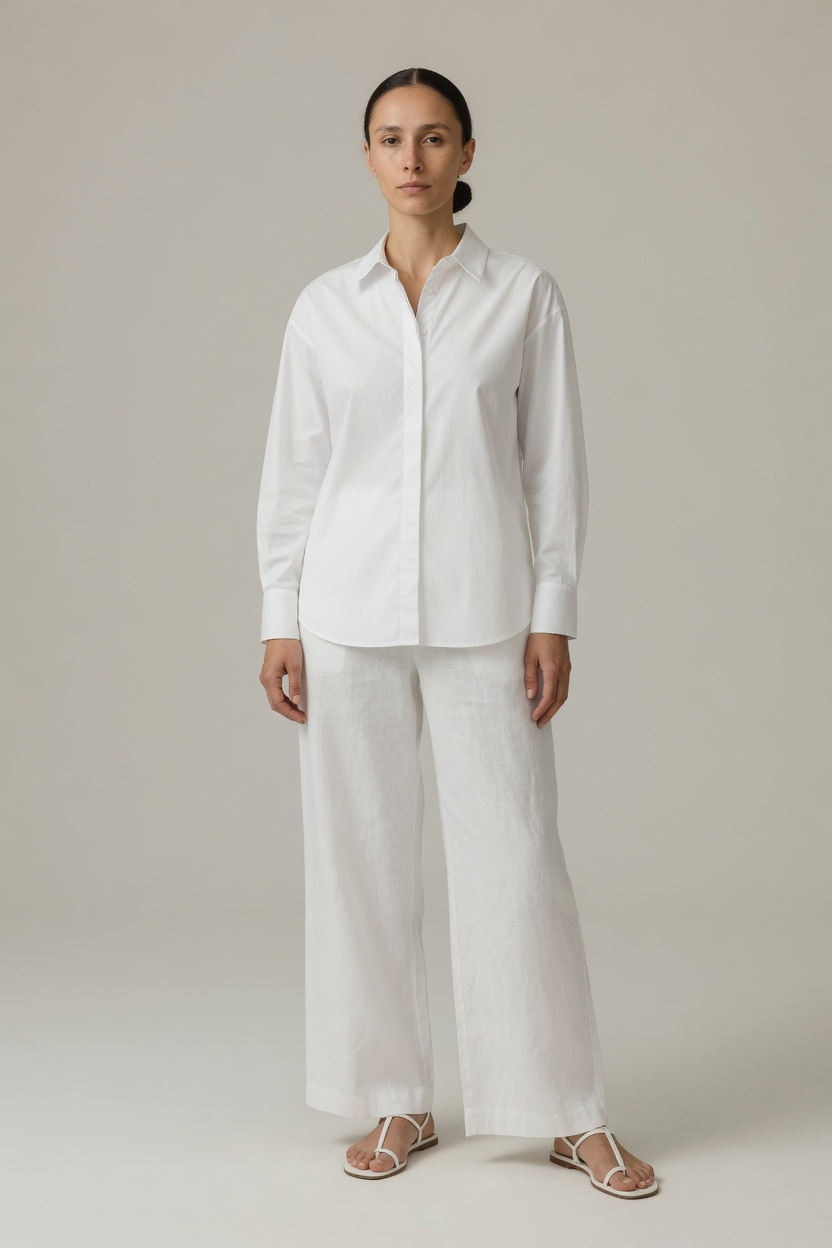
- Adult clothing: on a model or flat (off-model). If you use a model, they should be standing, not sitting, kneeling or lying down, so the garment is shown clearly.
- Children's and baby clothing: the main image has usually needed to be off-model, laid flat.
- Mannequins: a visible mannequin is not allowed in the main image. An invisible, ghost mannequin effect, where the mannequin is edited out, gives the garment shape and is widely used for flat-style main images.
On-model images tend to help shoppers picture fit and drape, while flat lay and ghost mannequin images are faster and cheaper to produce consistently. We compare them in more detail in our post on ghost mannequin photography and when on-model sells better.
Size, format and file basics
- At least 1,000 pixels on the longest side, so the zoom feature works. Many sellers work at 2,000 pixels or more to show fabric texture.
- JPEG is the safe choice; PNG, TIFF and GIF (not animated) are also accepted.
- sRGB colour, so colours look the same on most screens.
- A square or near-square crop displays most evenly in search results. Tall clothing images are fine as long as the product still fills the frame.
The secondary images that help clothing sell
After the main image, you have several more slots and much more freedom. For clothing, a strong set usually covers:
- Back and side views, so shoppers see the full cut.
- On-model images showing fit and drape, ideally on more than one body type if you can.
- Close-ups of fabric, stitching, prints, buttons, zips and labels.
- Every colourway, shown the same way, so the variation images match.
- A lifestyle or styled image showing how to wear it.
- A size chart or fit notes as an image if your category allows it, kept accurate to your real measurements.
- A short product video, if your account can add one. See our guide to product videos and reels for fashion brands.
Where AI images fit, and where to be careful
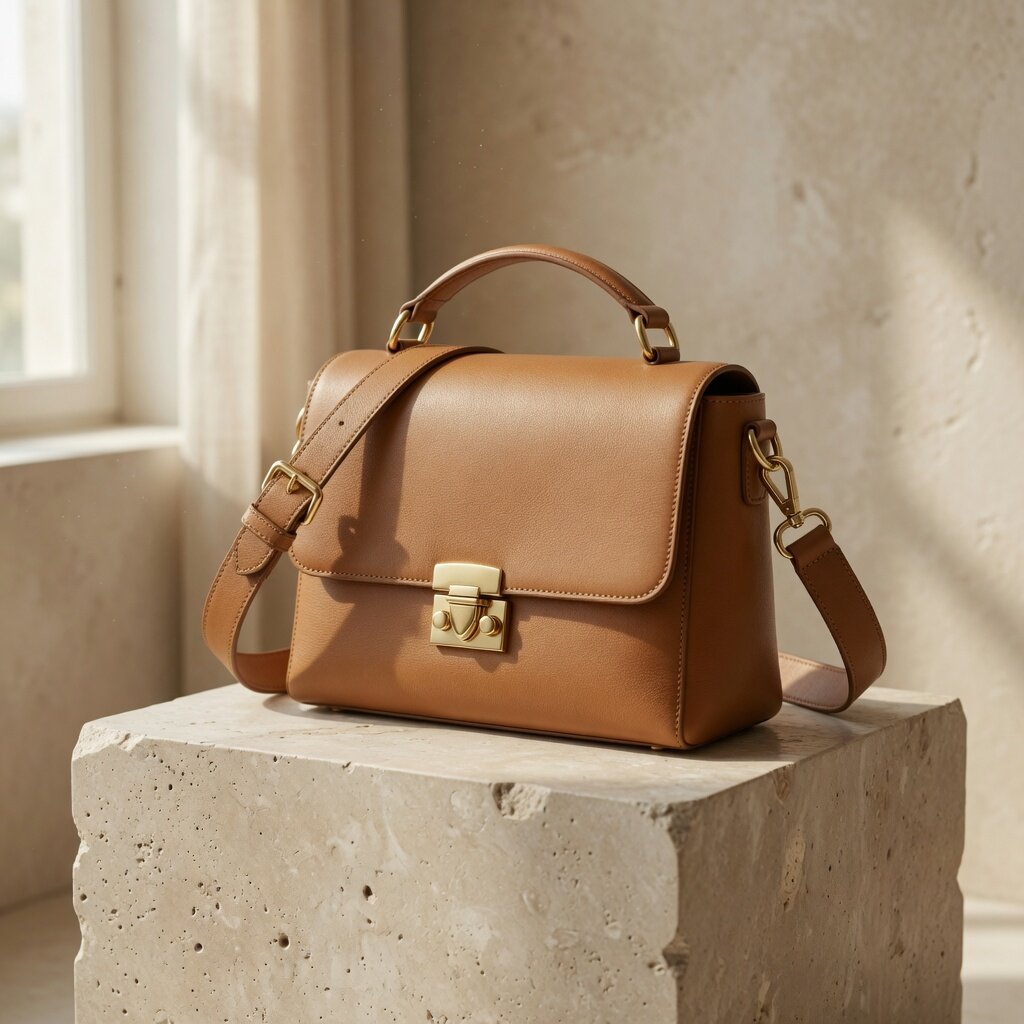
The main image should be a true photo of the exact product a customer will receive, so the safest approach is a clean, well-lit product photo for that slot. AI is useful for everything around it: putting the same garment on a consistent model, showing every colourway without a new shoot, and creating lifestyle scenes for secondary slots, your own store, ads and social media. Our practical guide to AI product photography covers how to brief it.
Whatever the method, check every image against the real garment. Colour, print placement, logos, hardware and length must match, or you risk returns and unhappy reviews. Read Amazon's current rules on generated or edited images for your category before you upload.
Common reasons clothing images get rejected
- A background that looks white but is not pure white
- A visible mannequin, hanger or stand in the main image
- A model sitting or posed so the garment is hidden
- Text, logos or "best seller" style badges added to the main image
- Accessories in the shot that are not included with the product
- Images that are too small for zoom, or a product that fills too little of the frame
Checklist before you upload
- Current style guide for your category checked in Seller Central
- Main image on pure white, product filling about 85% of the frame
- Adult wear on a standing model or flat; kidswear off-model
- No visible mannequin, props, text or badges on the main image
- At least 1,000 px on the longest side, JPEG, sRGB
- Back view, close-ups and every colourway in the secondary images
- Every image checked against the real garment for colour and details
Questions brands ask
Can the main image of a clothing listing on Amazon show a model?
For most adult clothing, yes: the main image can show the garment on a standing model or laid flat on pure white. Children's and baby clothing has usually needed an off-model main image, and visible mannequins are not allowed in the main image. Rules differ by category and marketplace, so check the current style guide in Seller Central before you upload.
What size should Amazon product images be?
Make the longest side at least 1,000 pixels so shoppers can zoom; many sellers work at 2,000 pixels or more. Use JPEG in sRGB colour, and keep the product filling about 85% of the frame on a pure white background (RGB 255, 255, 255).
Can I use AI images on Amazon?
Keep the main image a true, accurate photo of the actual product you ship. AI on-model and lifestyle images are better suited to the secondary image slots, your own website, ads and social media, and every image must match the real garment's colour, print and details. Check Amazon's current policy for your category first.
Need on-model images for your listings?
See a garment on our AI models with the try-on on our homepage, or email your product photos to info@agentsell.io and tell us which marketplace they are for. We'll come back with a plan and a quote.
Try it on a model