AI product photography for fashion brands: a practical guide
A traditional on-model shoot means booking a studio, a photographer, a model, hair and make-up, shipping samples, and then waiting for edits. For a small fashion brand launching a new drop every few weeks, that cost and lead time adds up fast.
AI product photography offers another route: you send photos of your garments, and the images of a model wearing them are generated instead of shot. Done well, it gives you consistent on-model images in days rather than weeks. Done badly, it gives you photos that misrepresent your product. This guide covers how to get the first and avoid the second.
What AI product photography is good at
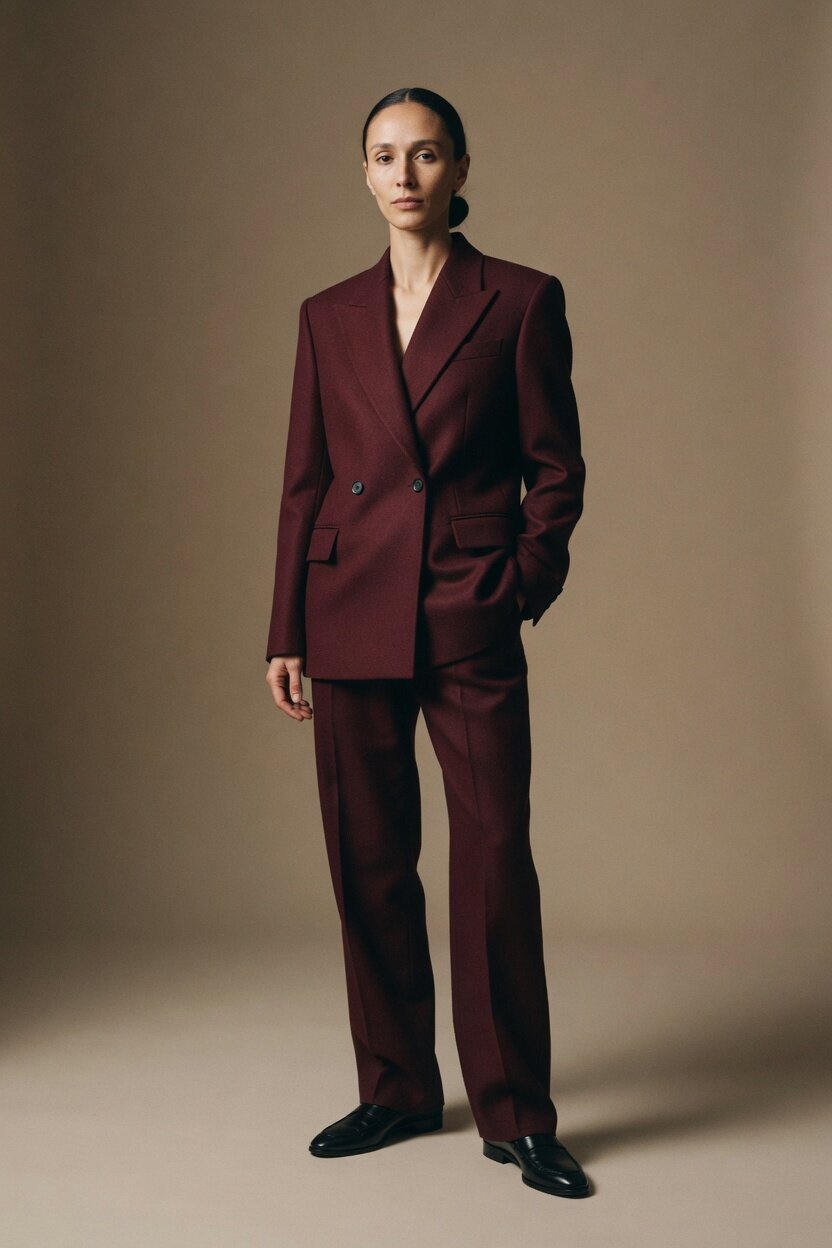
- Consistency. The same model, light and framing can carry a whole collection, so your catalogue looks like one shoot instead of a patchwork.
- Speed for new drops. New colourways and small runs can go online without waiting for the next shoot day.
- Locations you couldn't afford. A palazzo at night or a desert at golden hour costs the same as a plain studio backdrop. (See our guide to lifestyle product photography for how to plan those scenes.)
- Many formats from one source. One approved image can become a product page photo, a story ad, a feed post and a short video.
Where you need to be careful
The biggest risk is not that the image looks fake. It's that the image looks great but doesn't match what the customer receives. Fashion buyers notice colour, fabric, fit and details, and a mismatch tends to come back as a return or a complaint.
- Colour. Check the generated colour against the real garment in daylight. Burgundy can drift towards brown, navy towards black.
- Construction details. Count buttons, check collar shape, pocket placement, zips, seams and hardware. AI can "tidy up" details that make your piece distinctive.
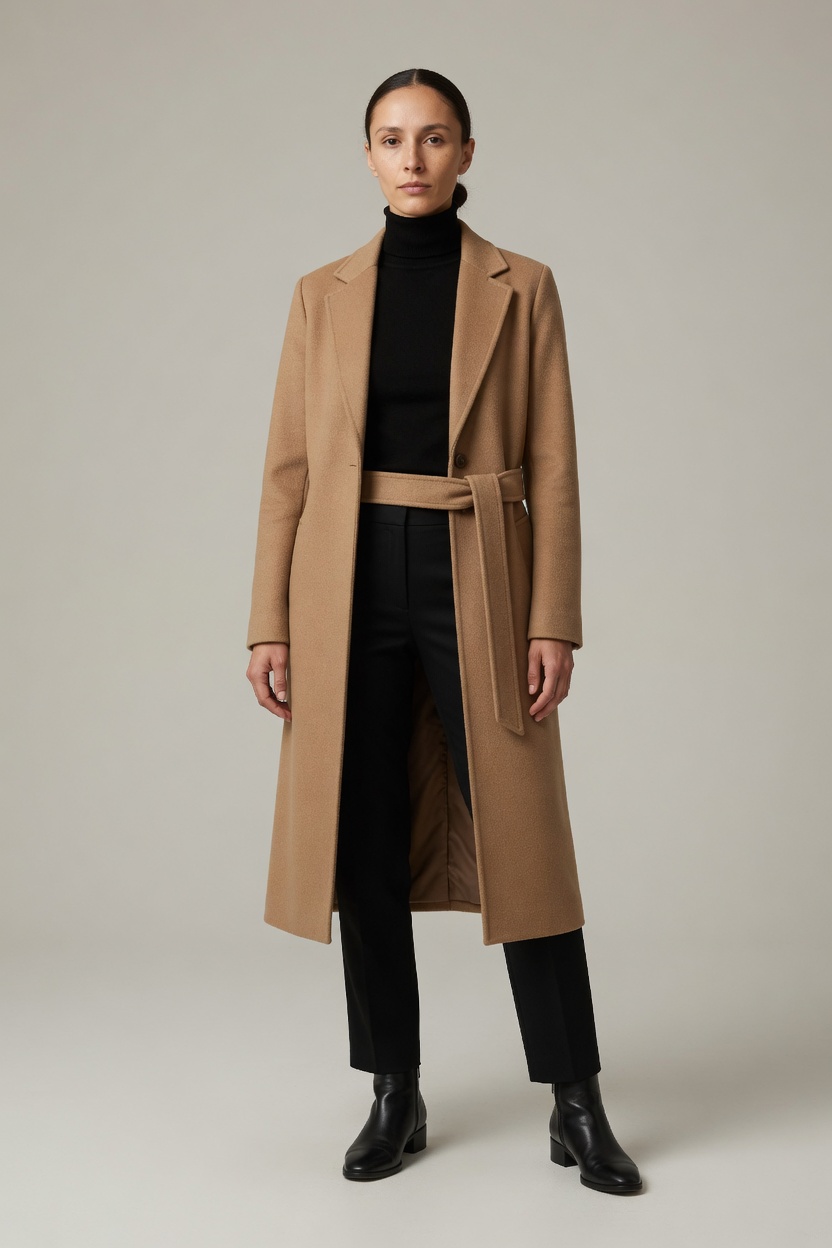
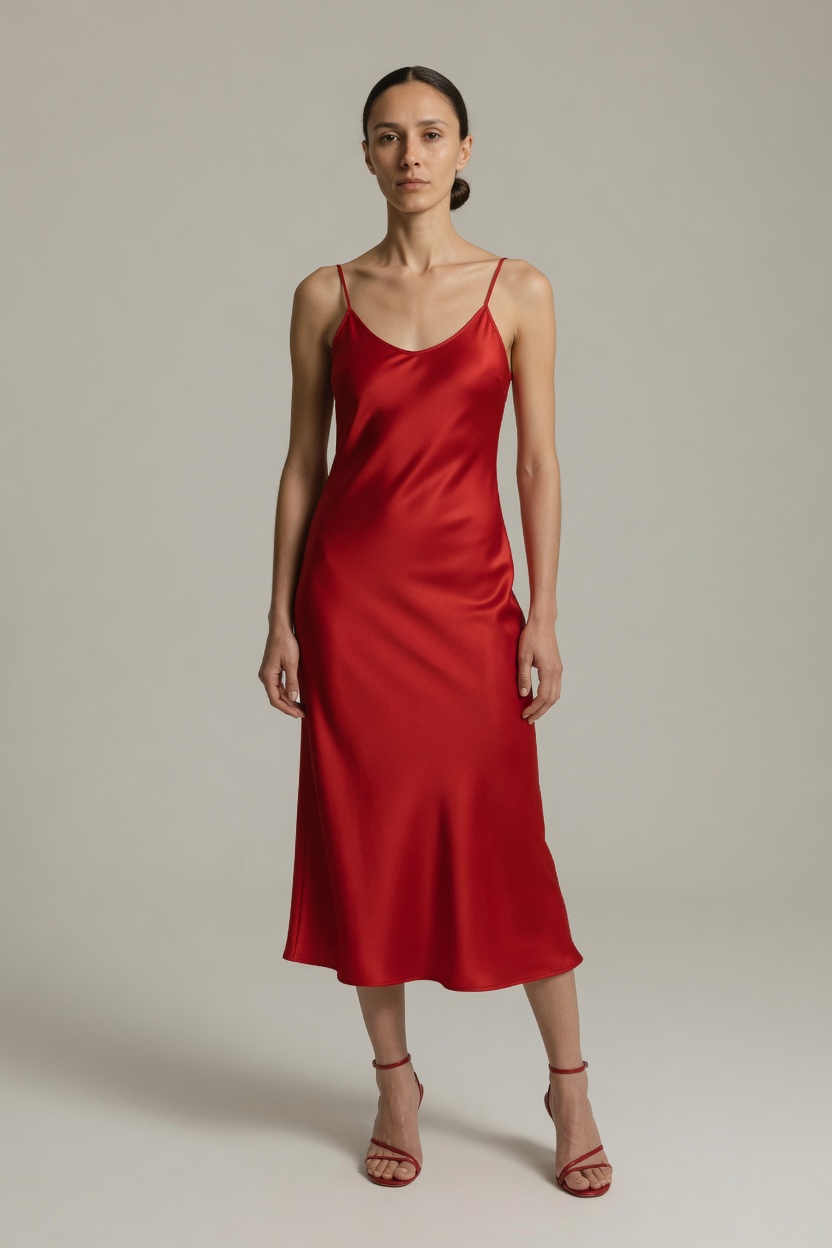
- Fabric behaviour. A stiff wool coat shouldn't drape like silk. If the fabric moves wrongly, the image is selling a different product.
- Fit and length. Hem length, sleeve length and how loose or fitted the piece is should match your size chart.
- Hands, logos and text. Look for extra fingers, warped logos or invented lettering on labels and bags.
Treat every generated image like a photo from a new photographer: nothing goes live until someone who knows the product has checked it.
How to brief AI product photography
The quality of what you get back depends heavily on what you send. A good brief has four parts.
1. Clear product photos
Flat lays or hanger shots in even daylight, front and back, plus close-ups of anything that matters: texture, print, hardware, labels. Phone photos are fine if the light is even and the colour is true. Clean ghost mannequin photos work especially well, because the garment's shape is already visible.
2. The facts about the piece
Fabric, fit (oversized, regular, slim), length, and anything a customer would ask about. This is what the person checking the images will compare against.
3. The look you want
Studio or location, mood, and two or three reference images of brands whose photography you like. Say what you don't want too.
4. Where the images will be used
Product pages, marketplaces, story ads and feed posts all need different shapes. Saying so up front avoids awkward crops later.
Choosing a model: roster or digital twin
Most studios offer a roster of digital models you can use, which is the quickest way to start. If you want a face that belongs only to your brand, ask about a digital twin: a model built from scratch for you, or built from a real person who has given their consent. Whichever you choose, keep the same model across a collection. Switching faces between products makes a store look less trustworthy.
Be open about AI imagery where it matters
Rules on labelling AI-generated images differ by country and by platform, and some marketplaces and ad platforms have their own requirements. Check the current rules for the places you sell and advertise. Even where it isn't required, never use generated images to show something your product doesn't do, such as a fit or finish it doesn't have.
Checklist before an AI image goes live
- Colour matches the real garment in daylight
- Buttons, zips, seams, pockets and hardware match
- Fabric drapes the way the real fabric does
- Length and fit match the size chart
- No extra fingers, warped logos or invented text
- Same model and lighting as the rest of the collection
- Image is sized for where it will be used
- Platform rules on AI imagery have been checked
Where to start
Pick five to ten products from your next drop, ideally a mix of simple and detailed pieces, and test AI photography on those first. Compare the results with the real garments side by side before you commit a whole collection.
Want to see your products on model?
Send us a few product photos and tell us what you need. We'll come back with a plan and a quote.
Let's talkNext: virtual try-on for fashion brands, showing every colourway on the same model.